Latest Posts
No posts yet.
Latest Resources
No resources available.
Latest News
No related news.

You look at your mouse every single day. Personalize it with Mouse X. Use custom live cursors on your desktop, and share your own custom cursor skins on the Steam Workshop!
"아직 유저 리뷰 분석이 없습니다."
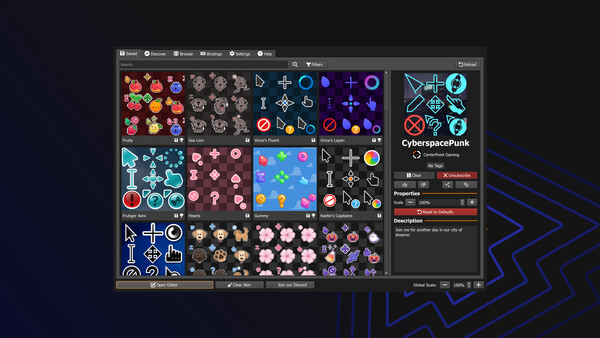
Mouse X is a lightweight mouse pointer customization tool.
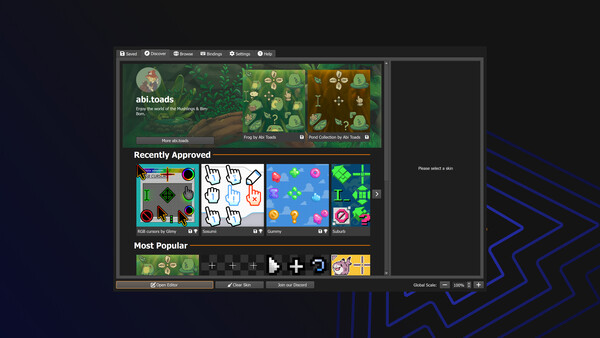
Quickly choose from a library of community-made skins, or create your own and share your creativity with the world.
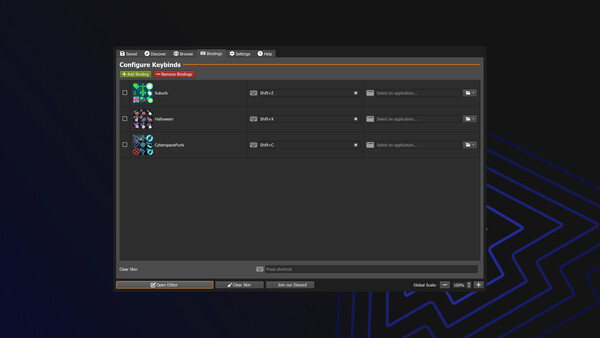
Change your Mouse - Instantly and easily personalize the most looked at part of your PC.
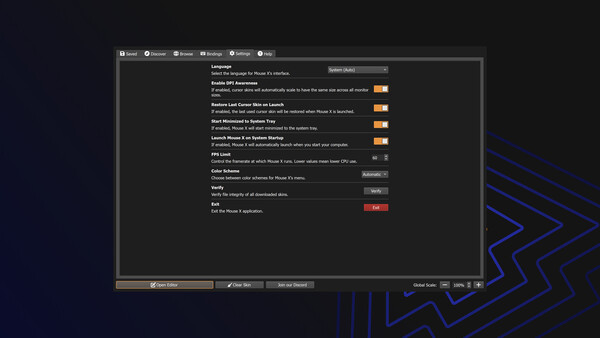
Low Resource Use - Delivers a great utility with a very small memory and CPU use footprint.
Universal Compatibility - Seamlessly runs alongside other apps and games with zero integrations or dependencies.
No Hooks or Injection - No game modifications, no OS modifications, no interference.
Infinite Possibility - Create and share skins of your own on the Steam Workshop, and check out the work of others.
Not Vibe Coded - 100% organic, natural free range computer code.
Mouse X was released on 6/10/2026.
Mouse X has 97% positive Steam reviews based on 807 reviews.
Mouse X has a GameWorld (gS) score of 78 out of 100, aggregated from Steam, IGDB, Metacritic and more.
Mouse X is a Indie, Animation & Modeling, Design & Illustration, Photo Editing, Utilities game.
Mouse X was developed by CenterPoint Gaming.
Mouse X supports single-player.
On the Mouse X page at GameWorld you can browse community guides and download resources (Korean patches, trainers, save files and more), or upload your own.