
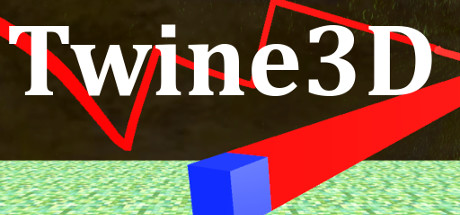
Twine3D
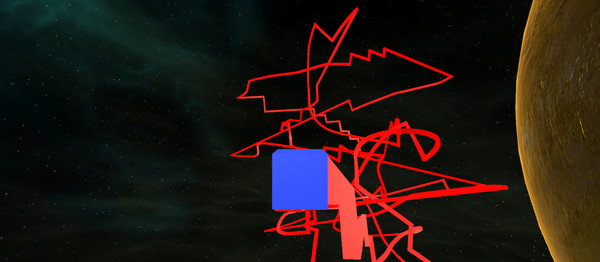
Twine3D is a third person view control path craft game. Control: Move forward:default keyboard button w; Move back:default keyboard button s; Move left:default keyboard button a; Move right:default keyboard button d; Move up:default keyboard button space; Move down:default keyboard button q; Long click mouse left button to rotate the...
AI 유저 감성 및 재미 분석
"아직 유저 리뷰 분석이 없습니다."
Latest Posts
Detailed Description
Control:
Move forward:default keyboard button w;
Move back:default keyboard button s;
Move left:default keyboard button a;
Move right:default keyboard button d;
Move up:default keyboard button space;
Move down:default keyboard button q;
Long click mouse left button to rotate the camera;
Long click mouse right button to rotate the player cube;
Two Game Mode:Creative and Chase.
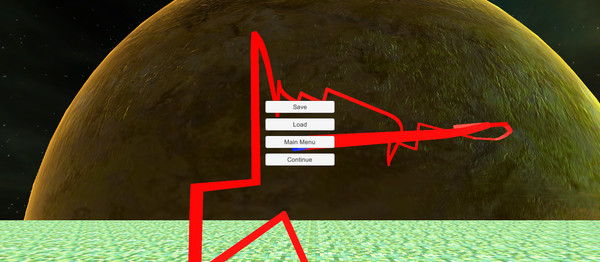
Game Mode Creative:free to move.Player can save the scene as a Twine3D file, and load a Twine3D file to
create the scene.
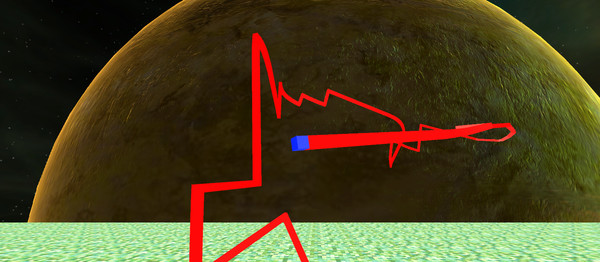
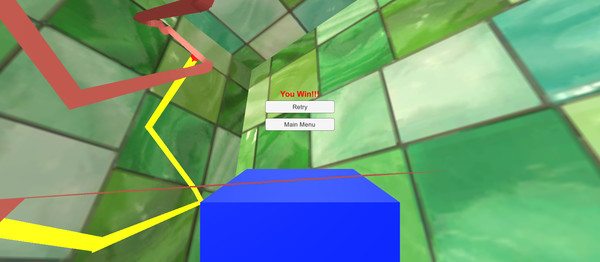
Game Mode Chase:control the player cube to chase the AICube.Dodge the AICube path and walls,twine the AICube until win.
Latest Resources
Latest News
Related Games





Genres & Categories
Screenshots
Twine3D FAQ
When was Twine3D released?
Twine3D was released on 12/26/2017.
Is Twine3D a good game?
Twine3D has 50% positive Steam reviews based on 2 reviews.
What is the GameWorld (gS) score of Twine3D?
Twine3D has a GameWorld (gS) score of 31 out of 100, aggregated from Steam, IGDB, Metacritic and more.
What genre is Twine3D?
Twine3D is a Casual game.
Who developed Twine3D?
Twine3D was developed by ijal Studio and published by HandMade Games.
Does Twine3D support multiplayer?
Twine3D supports single-player.
Where can I find guides, Korean patches and downloads for Twine3D?
On the Twine3D page at GameWorld you can browse community guides and download resources (Korean patches, trainers, save files and more), or upload your own.